One app for the whole household
Your library. Your learning. Your kitchen. Your hardware.
Biblos is a reading suite and a kitchen in one app: ebooks, PDFs, comics and audiobooks, flashcards made from what you read, and recipes lifted out of your own cookbooks. Your files stay in folders you control.
Free tier · No Biblos Account needed to start · No ads
Audiobooks: MP3, M4A, M4B, AAC and FLAC on the device; OGG where the app can play it (the Windows app, Chrome, Edge, Firefox) and, elsewhere, through a NAS hub, which converts it. MOBI and AZW convert on a computer or NAS, not on a phone or tablet by itself. AZW3, FB2 and CHM convert through an optional Calibre download on a desktop. DRM-free files only — Biblos does not remove copy protection. Details: what opens where.
What it does
Read it. Hear it. Learn it. Cook from it.
Four things a household does with books, in one app.
One reader for your DRM-free books
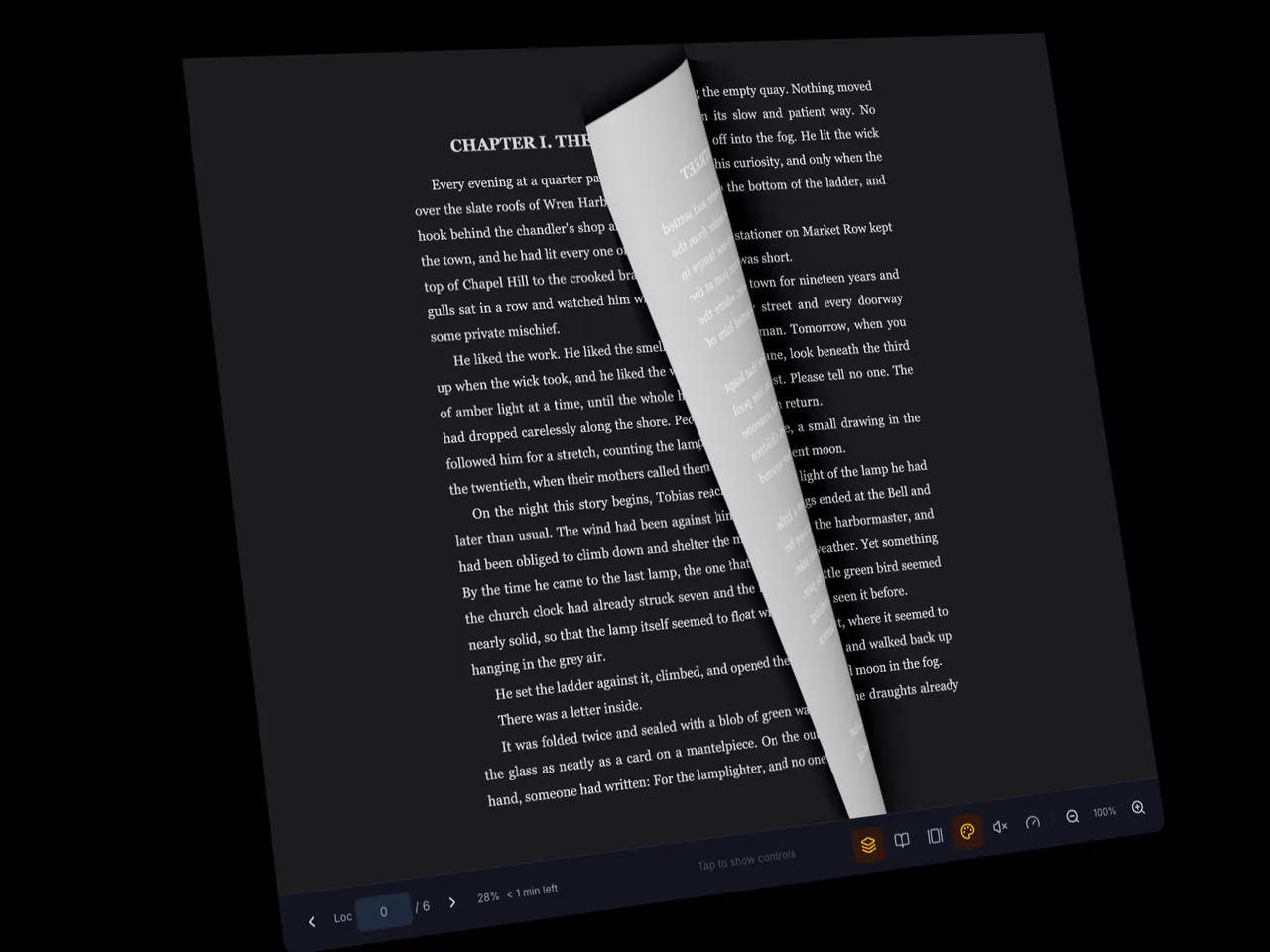
Novels, scanned manuals, comics and cookbooks open with the same page turns, themes and bookmarks — and search, wherever the page has text. With a household library on Family, pick up where you left off on whichever screen is nearest.
Listen when you can't read
A real audiobook player with speed control and a sleep timer — with lock-screen controls on iPhone and iPad — plus read-aloud for most books with the voices on your device or in your browser.
Study cards that remember the book
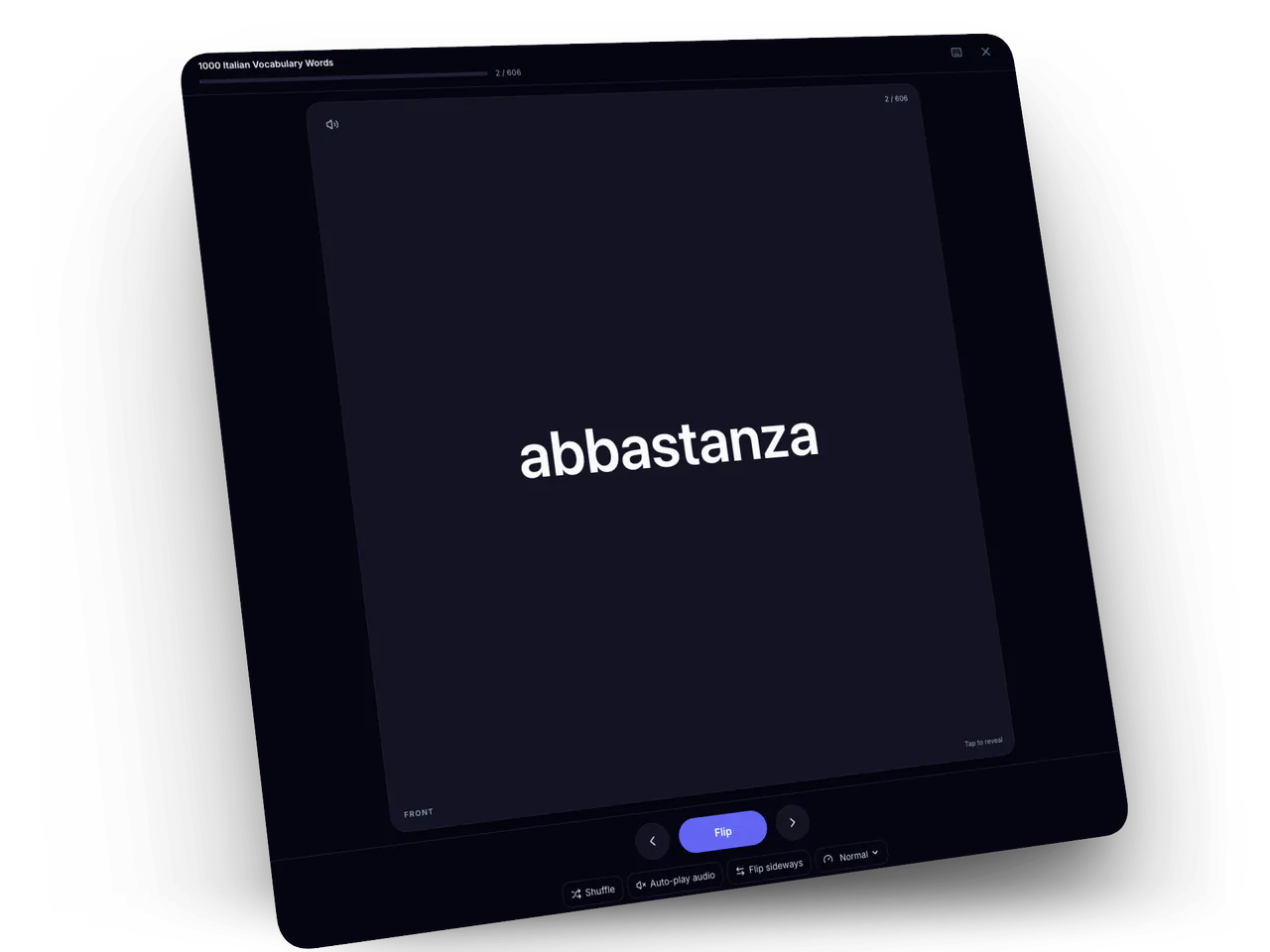
Turn a highlight into a study card without leaving the page — on iPhone and iPad too. A card made from a highlight keeps its chapter or page, so in the web and desktop apps one tap takes you back to where it came from — and on Plus and Family, with your household's own Groq or Gemini key, Biblos can write cards from a stretch of an audiobook, too. On iPhone and iPad, ask Siri how many cards are due and start the review from its answer.
Cookbooks become recipe cards Plus & Family
Biblos pulls the recipes out of cookbooks you already own and turns them into cards you can search by ingredient, cook from, and roll into a shopping list.
Study the way it actually sticks
The scheduler serious learners use, three practice modes and speed-reading modes for the pages you just have to get through — and on Plus and Family, quizzes and decks drafted from a chapter.
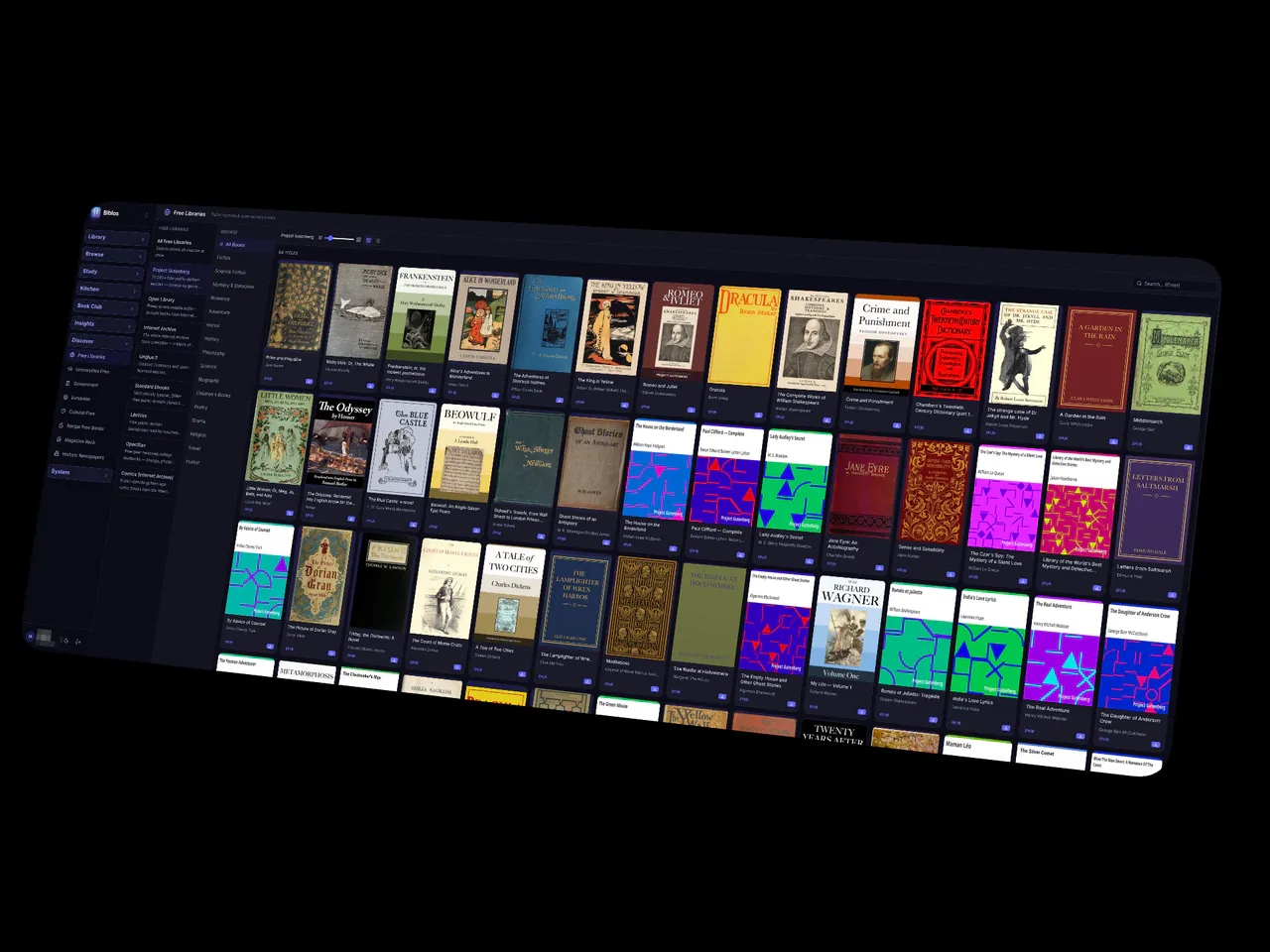
Thousands of free books, built in
Dozens of open catalogs — classics, university presses, museums, magazines and two centuries of newspapers — browsable and one tap to add.
See it
The shelf, the page, the card, the kitchen.
Biblos as it looks on a household's own devices.
Built-in study tools
Study what you read, in the same app.
Your own decks, made from the books you already have, with the spaced-repetition scheduler and three practice modes: Focus, Learn and Match. Export when you want out. Included on Free in the desktop and web apps and on iPhone and iPad. On Plus and Family, bring your decks over from the flashcard app you're leaving. No ads on any plan.
Your hardware, your folders
Your library lives where you already keep your files.
Your books stay in plain folders you can open like any others on your computer. Choose a sync folder and Biblos also writes the catalog there, beside the books, in open files you can read. On Plus and Family, point Biblos at a cloud folder; on Family, run the whole library on your own hardware — a NAS or a computer you leave on — for the whole house. Some features, such as book lookups and recipe web search, go through our services; the privacy policy explains what we collect.
Removing a book from Biblos removes its catalog entry; the file stays in your folder.
- Google DriveBrings in the books you choose
- OneDriveWorks with the folders you choose
- DropboxWorks with the folders you choose
- BoxWorks with the folders you choose
- Synology NAS or a computerYour own hardware, as the household's hub on Family
- A shared family folderProgress and highlights travel between your computers
Biblos Family
One plan for the whole household.
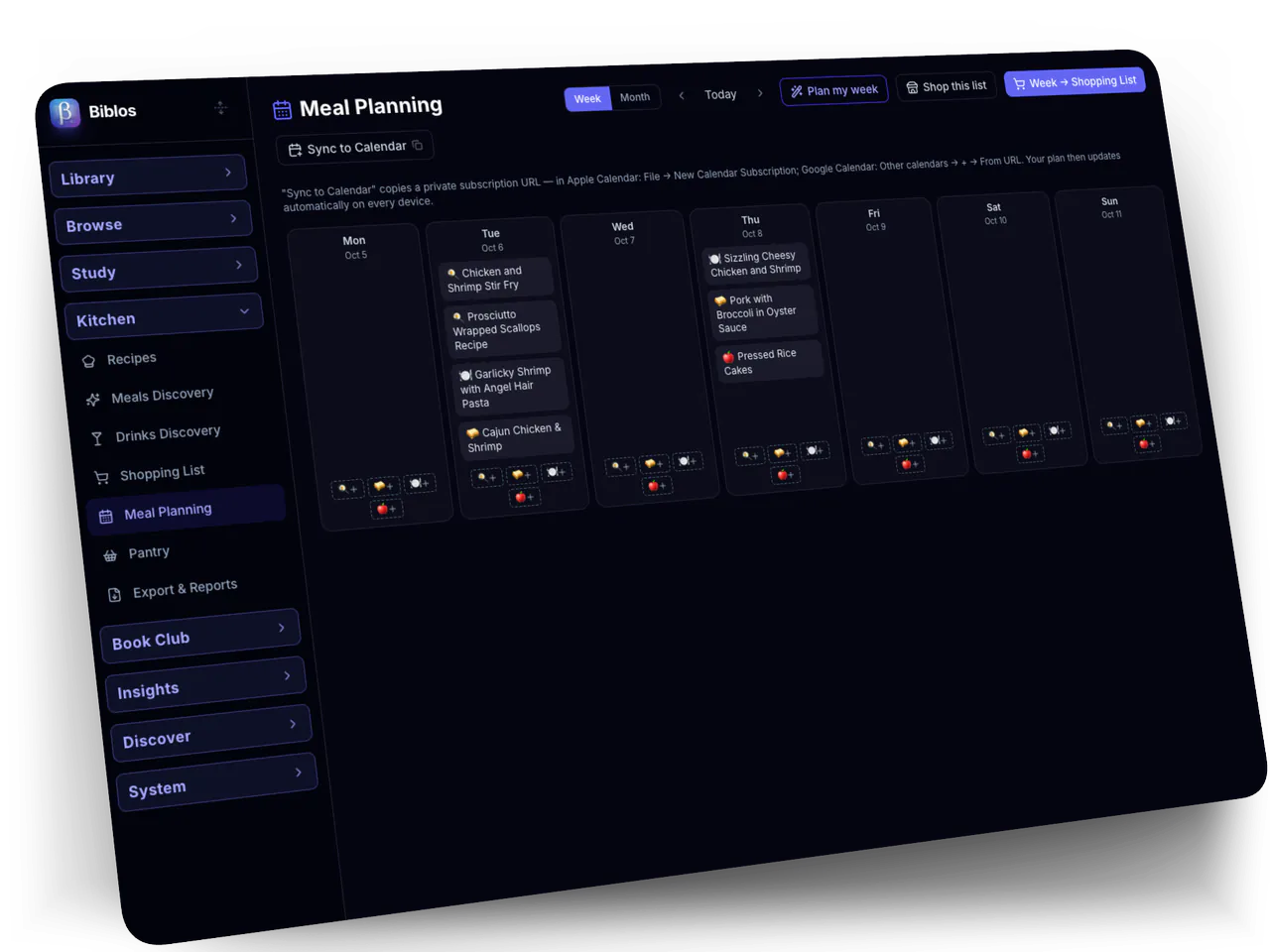
Up to 5 people, each with their own profile, shelves, progress and highlights, and 5 devices each. One bill, no per-device or per-platform pricing, and everyone shares one kitchen — recipes, meal plan, pantry and shopping list.
A note on DRM
Biblos reads files you're free to open.
That means DRM-free ebooks, PDFs, comics and audiobooks, open catalogs, and the files you've made yourself. Biblos doesn't remove copy protection from store-bought books.